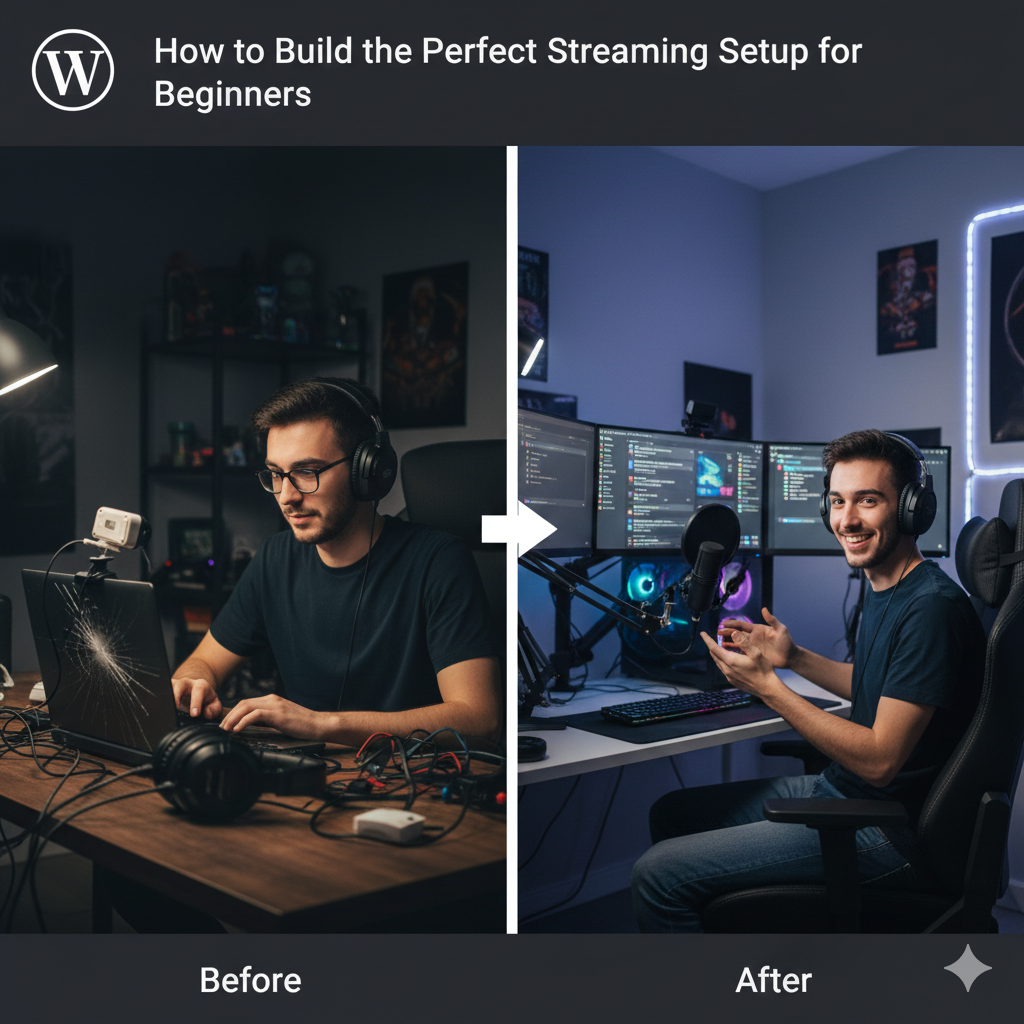
Streaming has become one of the most popular ways to create content, whether you’re gaming, hosting podcasts, teaching online, or simply connecting with your audience. But if you’re just starting out, building the perfect streaming setup can feel overwhelming.
The good news? You don’t need expensive professional gear. With the right equipment and tips, you can create a high-quality beginner streaming setup that looks great, sounds amazing, and keeps viewers engaged.
This guide will walk you through everything you need to start streaming confidently.
🖥️ 1. Choose the Right Streaming Platform
Before building your setup, decide where you want to stream:
Popular Platforms for Beginners
- Twitch – Best for gaming
- YouTube Live – Great for tutorials, podcasts & gaming
- Facebook Gaming – Growing community
- Kick – New but gaining popularity
- TikTok Live – Perfect for short-form creators
Different platforms may require slightly different layouts or formats, but your setup will work for all.
🎥 2. Camera: Start Simple, Upgrade Later
A good camera improves viewer experience, but beginners don’t need a DSLR.
Best Beginner Options
- 1080p Webcam (Logitech C920, Razer Kiyo)
- Smartphone camera (use apps like DroidCam or EpocCam)
Higher-End Choices
- Mirrorless cameras (Sony ZV-E10, Canon M50) for cinematic quality.
Tip: Lighting matters more than an expensive camera!
🔊 3. Microphone: Your Most Important Investment
Clear audio is essential — a poor mic drives viewers away.
Recommended Beginner Mics
- USB Mics:
- Blue Yeti
- Fifine K669B
- HyperX QuadCast
- Samson Q2U
For Higher Quality
- XLR mics (require audio interface).
Tip: Keep the mic close to your mouth to reduce background noise.
💡 4. Lighting: Makes You Look Professional Instantly
Good lighting can transform even a basic setup.
Beginner Lighting Options
- Ring lights
- LED softbox lights
- Desk lamps with warm tone
Best Practices
- Position the light in front of you
- Avoid harsh shadows
- Use natural light when possible
🪑 5. Background Setup: Keep It Clean and Simple
Your background should reflect your personality but not distract viewers.
Ideas:
- LED strips
- Posters
- Shelves with decor
- Clean minimal background
Even a plain wall works if your lighting is strong.
🧠 6. Software for Streaming
You’ll need software to broadcast your content.
The Best Free Options
- OBS Studio (most popular and powerful)
- Streamlabs OBS (easy interface)
- NVIDIA Broadcast (noise removal, background blur)
Key Features to Set Up
- Scenes and overlays
- Audio mixer
- Webcam placement
- Alerts for new followers, subscribers, or donations
🎮 7. PC or Laptop Requirements
Your device needs enough power to run both your game (if gaming) and streaming software.
Minimum Specs for Beginners
- CPU: i5 or Ryzen 5
- RAM: 8–16 GB
- GPU: GTX 1650 or above (for gaming+streaming)
Streaming non-gaming content requires much less power.
🎧 8. Accessories That Improve Your Setup
Not required, but helpful:
- Mic arm
- Pop filter
- Capture card (for console streaming)
- Green screen
- Stream deck (for switching scenes)
Start simple — upgrade only when needed.
📡 9. Internet Requirements
Stable internet is crucial.
Recommended Upload Speeds
- 720p streaming: 3–5 Mbps
- 1080p streaming: 6–10 Mbps
- 60fps streaming: 10–15 Mbps
Use a wired connection for the best stability.
🚀 10. Practice Before Going Live
Do test runs to check:
- Audio levels
- Video framing
- Background noise
- Lighting
- Internet stability
Confidence comes from practice, not perfection.
🌟 Final Thoughts
Building the perfect streaming setup doesn’t require expensive equipment. Start with a simple camera, reliable microphone, decent lighting, and free software like OBS. As your channel grows, you can upgrade piece by piece.
Remember: content and personality matter more than gear. Start small, stay consistent, and keep improving your setup over time.