How to Upgrade Your PC Without Breaking the Bank
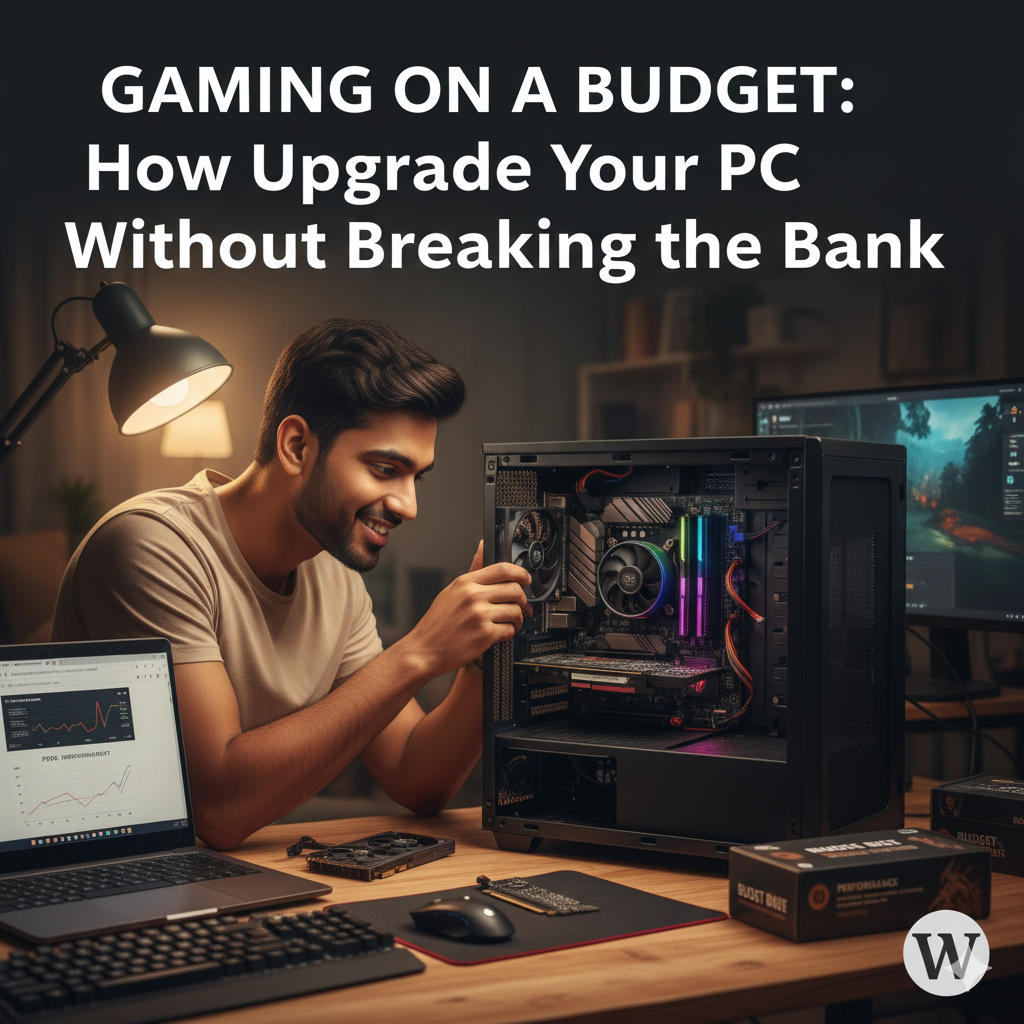
You don’t need an expensive high-end rig to enjoy modern games. With smart planning and the right upgrades, you can significantly boost your PC’s gaming performance without spending a fortune. Budget gaming is all about upgrading the components that matter most.
Here’s a practical guide to upgrading your gaming PC on a budget while getting the best performance for your money.
1. Upgrade Your RAM First
Insufficient RAM can cause stuttering and long loading times. Upgrading to 16GB RAM is one of the most affordable and effective ways to improve gaming performance.
Why it helps:
- Smoother gameplay
- Better multitasking
- Faster load times
2. Switch to an SSD
If you’re still using a traditional hard drive, upgrading to an SSD is a game-changer. Games load faster, system boot times improve, and overall responsiveness feels smoother.
Budget tip: A 500GB SATA SSD offers excellent value for money.
3. Optimize Your Graphics Card Upgrade
The GPU has the biggest impact on gaming performance, but it can also be expensive. Look for:
- Entry-level or mid-range GPUs
- Previous-generation graphics cards
- Certified refurbished or used options
Always check compatibility with your motherboard and power supply.
4. Improve Cooling for Better Performance
Overheating can reduce performance through thermal throttling. Adding budget air coolers or extra case fans can help maintain stable frame rates during long gaming sessions.
5. Upgrade the Power Supply (If Needed)
A reliable power supply ensures system stability, especially when upgrading components like GPUs. Choose a trusted brand with 80+ efficiency certification.
6. Optimize Software and Settings
Sometimes, performance gains don’t require hardware upgrades.
- Update GPU drivers regularly
- Adjust in-game graphics settings
- Disable unnecessary background apps
These tweaks can improve frame rates instantly.
7. Buy During Sales and Deals
Watch for seasonal sales, festive offers, and online discounts. Buying during sales can save you a significant amount on PC components.
8. Consider Used or Refurbished Parts
Many gamers upgrade frequently, making lightly used components available at lower prices. Always buy from trusted sellers and test components if possible.
Final Thoughts
Gaming on a budget doesn’t mean compromising on fun. By prioritizing the right upgrades—like RAM, SSDs, and smart GPU choices—you can enjoy smooth gaming performance without overspending. Upgrade wisely, shop smart, and game on.